Creating Engaging Digital Content for Young Learners in School Programs
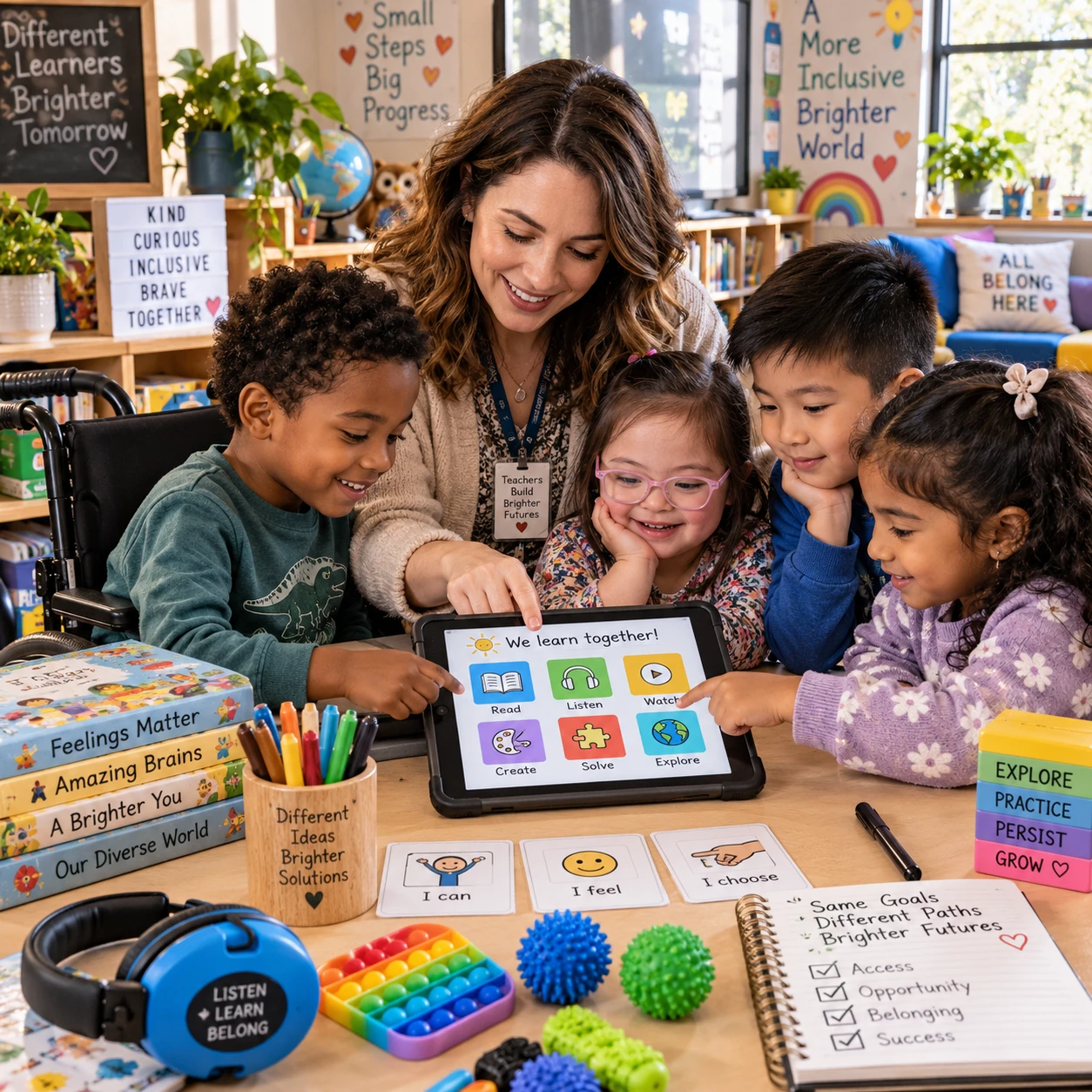
Digital lessons can give young learners room to explore, practise, and share ideas. Their value depends on more than bright graphics or a new app: each activity should serve a learning purpose, suit children’s development, and include teacher guidance. School programs can make digital learning content engaging by combining clear goals with manageable interaction, accessible formats, and opportunities to learn away from screens.
Start with clear learning goals
Start by naming the specific skill or concept learners should practise, then choose a digital activity that helps them do it. A clear learning objective keeps interaction focused and makes it easier for teachers to judge whether the content worked.
For example, if the goal is to identify beginning sounds, children might listen to a word and select the matching letter. If they are learning to describe a character, they could record a short spoken response after reading a story. In both cases, the device supports the lesson rather than becoming the lesson.
Before building or selecting content, educators can ask:
- What should learners know or be able to do? Use an observable outcome, such as sorting shapes by property or explaining a simple sequence.
- What action will show understanding? Choose a response that reveals thinking, not just a tap or click.
- What happens next? Plan how a teacher will respond to answers and connect the activity to discussion, practice, or a hands-on task.
A useful test is to remove the animation and sound effects. If the activity no longer helps learners practise the target skill, refine its instructional purpose.
Match content to learners’ age and development
Age-appropriate digital content uses language, pacing, visuals, and tasks that young learners can understand and manage. Designers should consider children’s reading abilities, attention, prior knowledge, and growing independence rather than relying on age labels alone.
Use short instructions with one action at a time. Pair unfamiliar words with a picture, spoken direction, or example. Keep screens visually calm, with clear buttons and enough space between choices. A task for early readers might use audio directions and picture-based answers; older learners may be ready to read a short passage and explain their reasoning.
Pacing matters, too. Give learners time to listen, think, and respond. Avoid rapid transitions, countdowns, and distracting movement unless speed is part of the learning objective. Offer a clear stopping point so children know when an activity is complete.
Development varies within every classroom. Build in an easy first step and optional challenge questions, or let learners replay directions without penalty. This provides flexibility without assuming that every child in a year group has the same skills.
Use interaction to invite participation
Interactive digital content invites learners to make meaningful choices, show what they understand, or create something. Short quizzes, sorting tasks, story choices, and creative responses can encourage participation when they connect directly to learning objectives.
Keep interaction simple enough that children focus on the idea, not on figuring out the controls. A learner might drag objects into groups to practise classification, choose what a character should do next to discuss cause and effect, or draw and label a diagram. Quick checks can show a teacher who needs another example or a different explanation.
Feedback should help learners take a next step. Instead of displaying only a score, a response might say, “Try listening to the first sound again,” or provide a hint that points to the relevant clue. Avoid feedback that shames a child or treats mistakes as failure; incorrect answers can guide teaching.
Interaction does not require constant clicking. A thoughtful pause to predict an outcome, followed by a classroom conversation, can be more useful than a long sequence of taps. Plan screen activities alongside talk, movement, drawing, or physical materials.
Combine formats thoughtfully
Combining text, audio, video, and visuals can make digital learning content easier to follow and more engaging. Use each format to clarify or extend the learning, rather than adding media simply to make a page look busy.
A short narrated demonstration may help learners understand a process, while a labelled image can make parts of an object easier to compare. Text gives readers a chance to review key information at their own pace. Audio can support learners who are still developing reading fluency, and a brief video can show movement that a still image cannot.
Keep media focused. Break a longer explanation into short sections, provide a pause or replay option, and avoid background music that competes with instructions. When a video includes essential information, offer captions or a written summary so learners can access the same content in another way.
Multimedia also has practical trade-offs. Videos and audio can require reliable internet, headphones, or a quiet space. Provide a low-bandwidth alternative, such as a transcript or set of images, when school or home access may be limited.
Design for accessibility and inclusion
Accessible digital content gives learners different ways to receive information and show what they know. Clear layouts, captions, readable text, and flexible response options can support a wider range of needs across a school program.
Use plain language, consistent navigation, and strong contrast between text and its background. Do not rely on color alone to explain a category or indicate a correct answer; pair color with a label, symbol, or spoken cue. Add captions to videos and meaningful descriptions for images when they convey information that learners need.
Include more than one way to participate where possible. A child might answer by speaking, selecting a picture, typing a short phrase, or showing understanding to a teacher. These options can help learners with disabilities, developing language skills, or different communication preferences. They should still measure the intended skill: if the objective is oral explanation, a spoken response may be necessary, but learners may benefit from rehearsal time or supportive prompts.
Check content with real users, including teachers and learners with varied needs. A design that looks simple to its creator may still have confusing directions, small controls, or an interaction that is difficult to complete using a keyboard or assistive technology.
Keep teachers and families in the loop
Teacher guidance helps young learners use digital activities with purpose, while family context can support continuity when content is used at home. A short introduction, clear instructions, and a planned follow-up connect screen activity to the broader learning program.
Before learners begin, teachers can explain the goal, model the first step, and clarify how to ask for help. During the activity, they can observe strategies and misconceptions rather than focusing only on completion. Afterwards, a brief discussion or offline task can help children explain what they noticed.
Give families practical context when a school program includes home use: explain the activity’s purpose, approximate duration, any materials needed, and whether adult help is expected. Avoid assuming every household has the same device, internet connection, language resources, or quiet workspace. Offer an equivalent offline option where feasible.
Screen time should be planned around the purpose and age of the learners, not stretched to fill a lesson. Alternate digital work with conversation, movement, reading, and hands-on practice. A digital activity can be brief and still be valuable when it gives learners a useful chance to practise or express an idea.
Review and improve the experience
Review digital content by looking at what learners do, what teachers observe, and whether children can complete the task for the intended reason. Participation and completion are useful signals, but neither proves that learning has taken place.
After a lesson, collect evidence that connects to the objective. Did learners sort items using the target rule? Could they explain a choice? Where did they pause, repeat instructions, or ask for help? Teacher notes and a few learner comments can reveal problems that a completion report misses.
Use a simple review cycle:
- Check access: Can learners open the content and understand how to begin?
- Observe participation: Are they making purposeful choices, or struggling with navigation?
- Look for learning evidence: Do responses show the target skill or concept?
- Refine one thing at a time: Simplify a direction, change the pacing, or offer another response option, then review again.
Interpret results carefully. A low completion rate may point to technical barriers, confusing instructions, or a task that is too long; it does not automatically mean learners lack interest. Likewise, repeated clicks may signal confusion rather than engagement. Use the evidence to improve the experience, and keep the learning goal at the center.
Frequently asked questions
What makes digital content age-appropriate for young learners?
Age-appropriate content matches learners’ language, reading skills, attention, and ability to navigate a task. It uses clear instructions, manageable steps, suitable visuals, and enough time to respond, while allowing for differences among children of the same age.
How can school programs make digital lessons interactive?
Build in purposeful choices, short quizzes, sorting activities, creative responses, or opportunities to predict and explain. Connect each interaction to a learning objective and provide feedback that helps learners decide what to do next.
How can digital content support different learning needs?
Use readable layouts, captions, audio or text alternatives, clear navigation, and more than one way to respond when appropriate. Check that alternatives preserve the skill being assessed, and ask teachers and learners with varied needs to try the content.
How can educators tell whether content is engaging?
Look for purposeful participation: learners can begin the task, stay involved, make meaningful choices, and explain or demonstrate what they are learning. Combine those observations with task completion and evidence tied to the learning objective; clicks alone are not enough.